It’s frustrating to want to print from a website when the formatting doesn’t work. It’s inefficient to try to copy and paste into another document to print. I found a useful little tool on the web that makes it easy to print from websites, so I wanted to share it with all of you! Check out PrintFriendly when you need to print from a website. It allows you to see a preview of how your printed page would look, and also allows you to print as a PDF. Just enter in the url you want to print from:
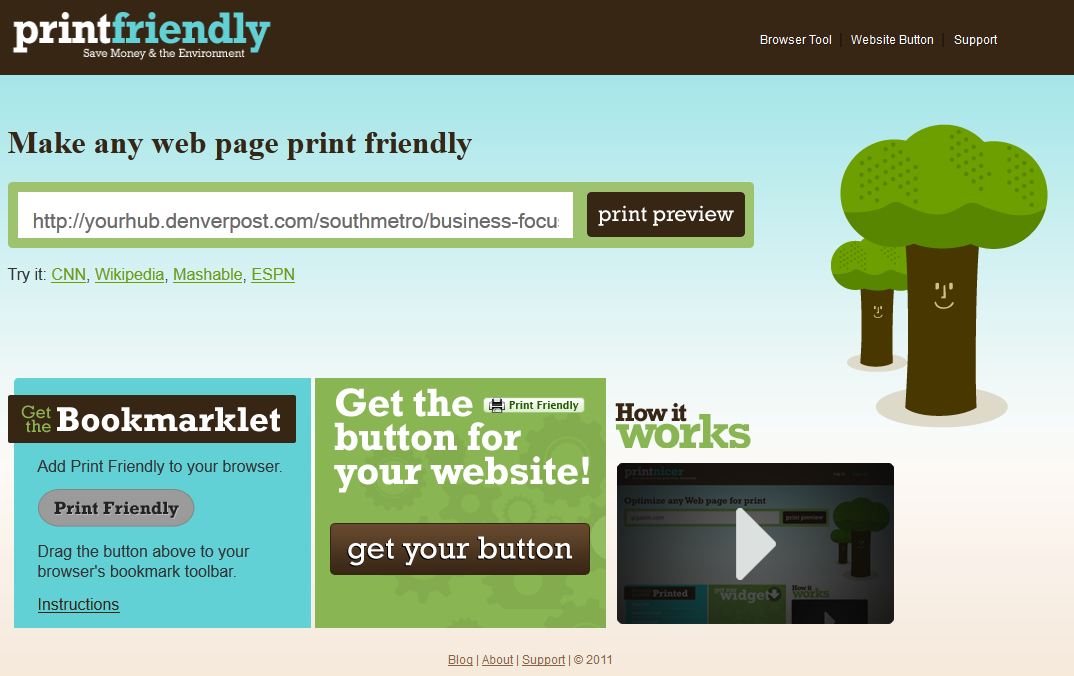
Click “Print Preview” to see what your page will look like, then select Print or PDF and you’re all set!
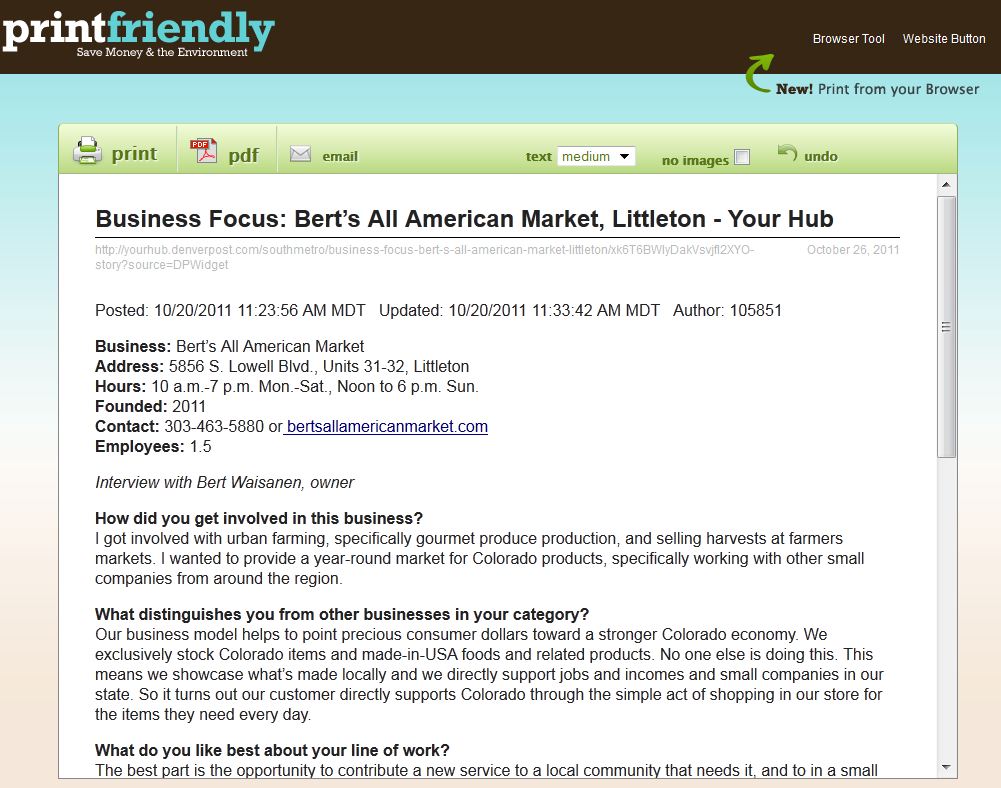
Increases efficiency, saves ink, and saves time. Very handy!